
See the way
Your route on the map, with the stretch to your next stop drawn bright.
More about the map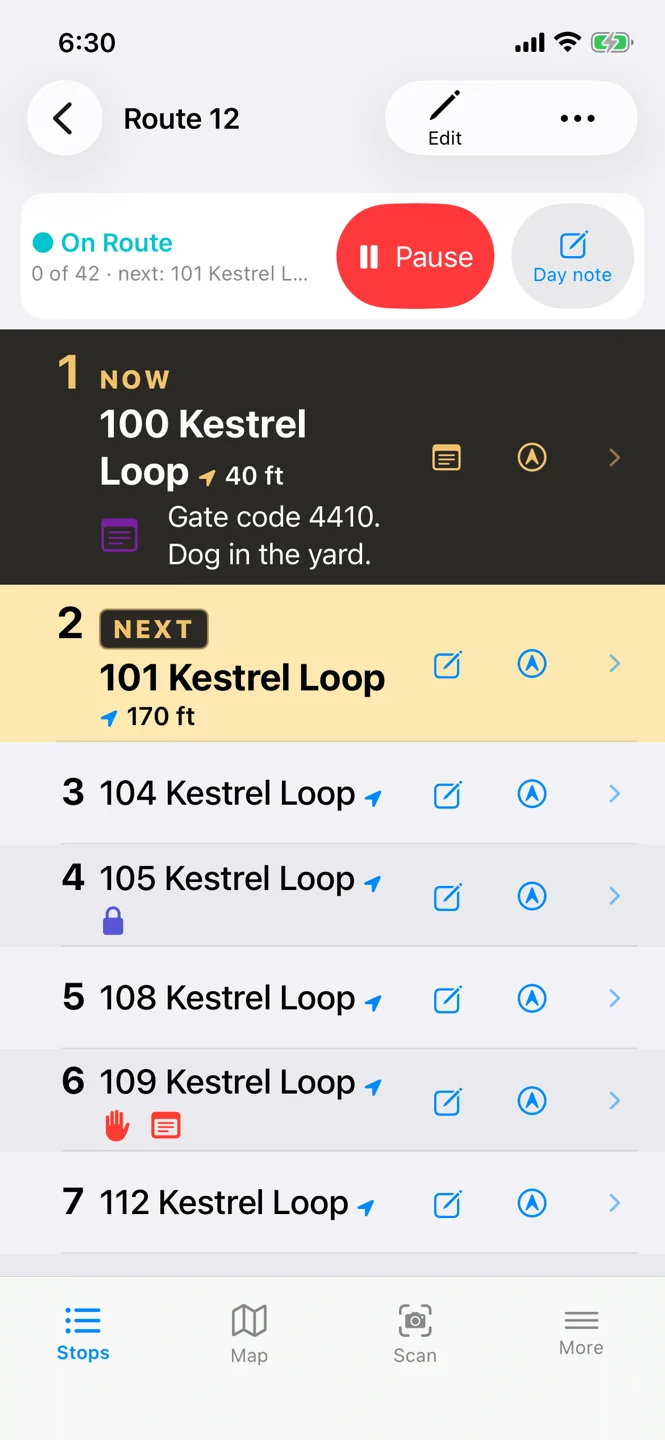
Spoken as each stop comes up“104 Kestrel Loop. Access: gate code 4410.”
As each stop comes up, CarrierCaddy reads out what’s waiting there. Nothing needs reading while you’re moving: set up, scan and edit while parked.
How spoken reminders workRoute work happens fast, in traffic and at other people’s doors. CarrierCaddy is built to make it safer and to get every stop right.
The app speaks so you don’t have to look, and it warns you about a dog or a gate before you’re out of the vehicle.
The right instruction, name and note wait at the right stop, every time, so fewer stops go wrong.
Created by a delivery driver around how route work really goes: quick to set up, clear at a glance, private by design.
Your route on the map, with the stretch to your next stop drawn bright.
More about the mapInstructions, names, dates and notes stay with the right address, ready when you need them.
More about stop instructionsRead a label with the camera or type the address, find its stop, and plan a run from a stack of parcels.
More about scanningSend a coworker your whole route, phone to phone. Keep your own routes in an encrypted backup file.
More about sharing and backups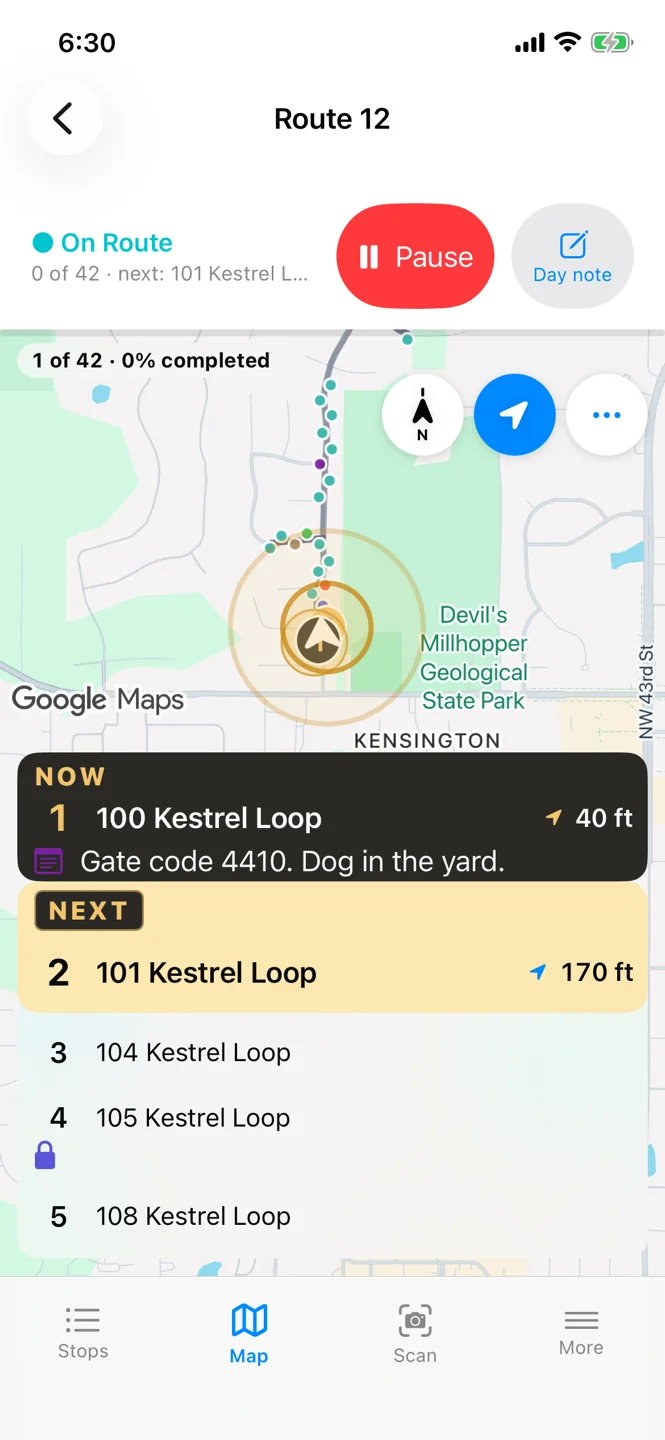
The map, following the route
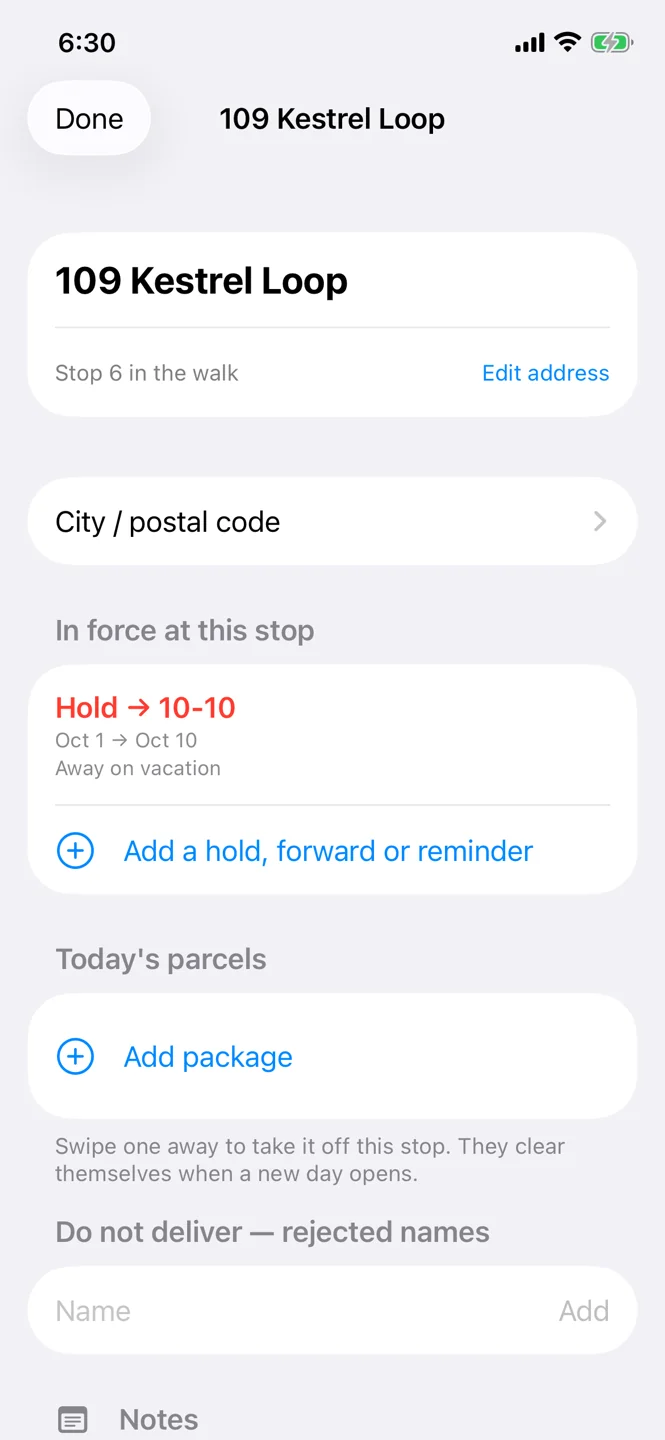
A stop, with its instructions in force
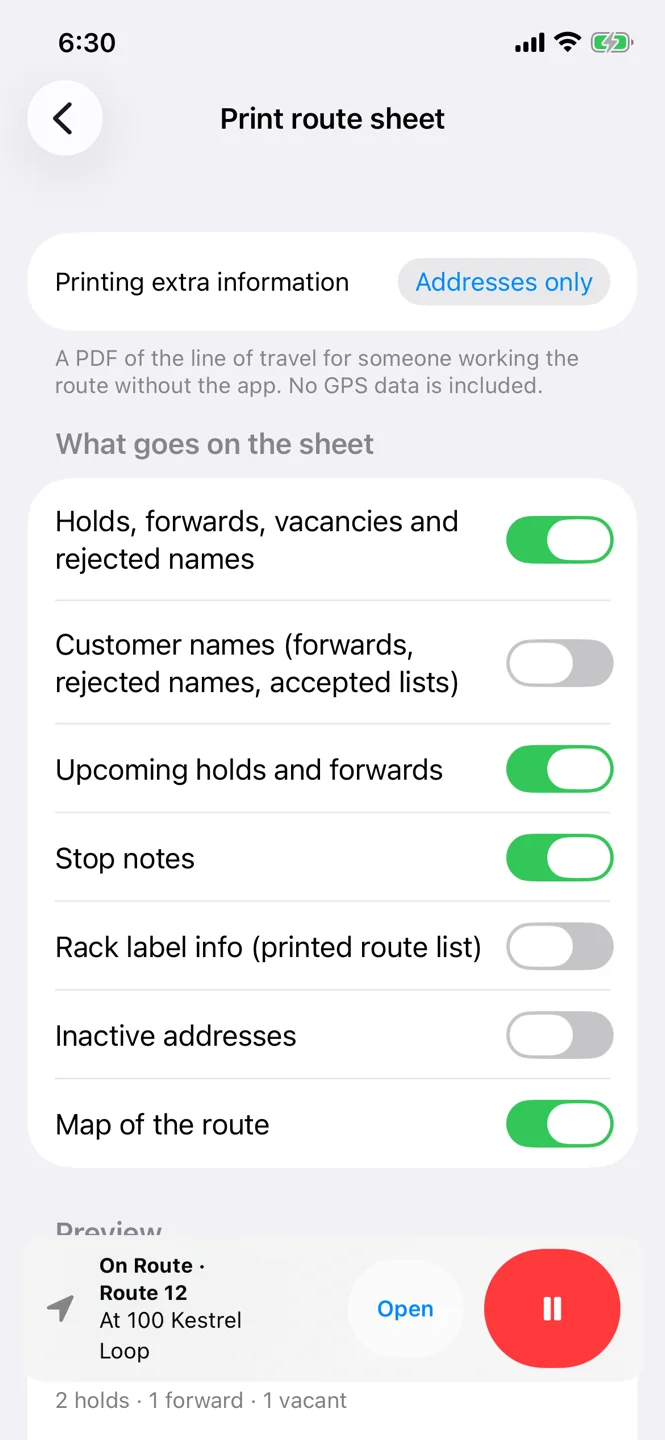
Print route sheet: choose what goes on the paper
Every route has the same shape: many stops, each with its own details, in order, against the clock.
2.1 million US jobs worked on regular routes
Each arrow is 100,000 jobs.
Every one of those jobs is a route of stops, each with something to remember. CarrierCaddy is built for exactly that.
If the work is a route of stops, it fits.
A route is a list of where people live, what is at their door and when they are away. CarrierCaddy is built so that list stays with you.
How your data is handledThe essentials are free, for good. Plus adds better navigation and route display, more tools for bigger days and a lookup allowance of your own, and every membership funds what we build next.
US$6.99 a month or US$59.99 a year
What Plus includes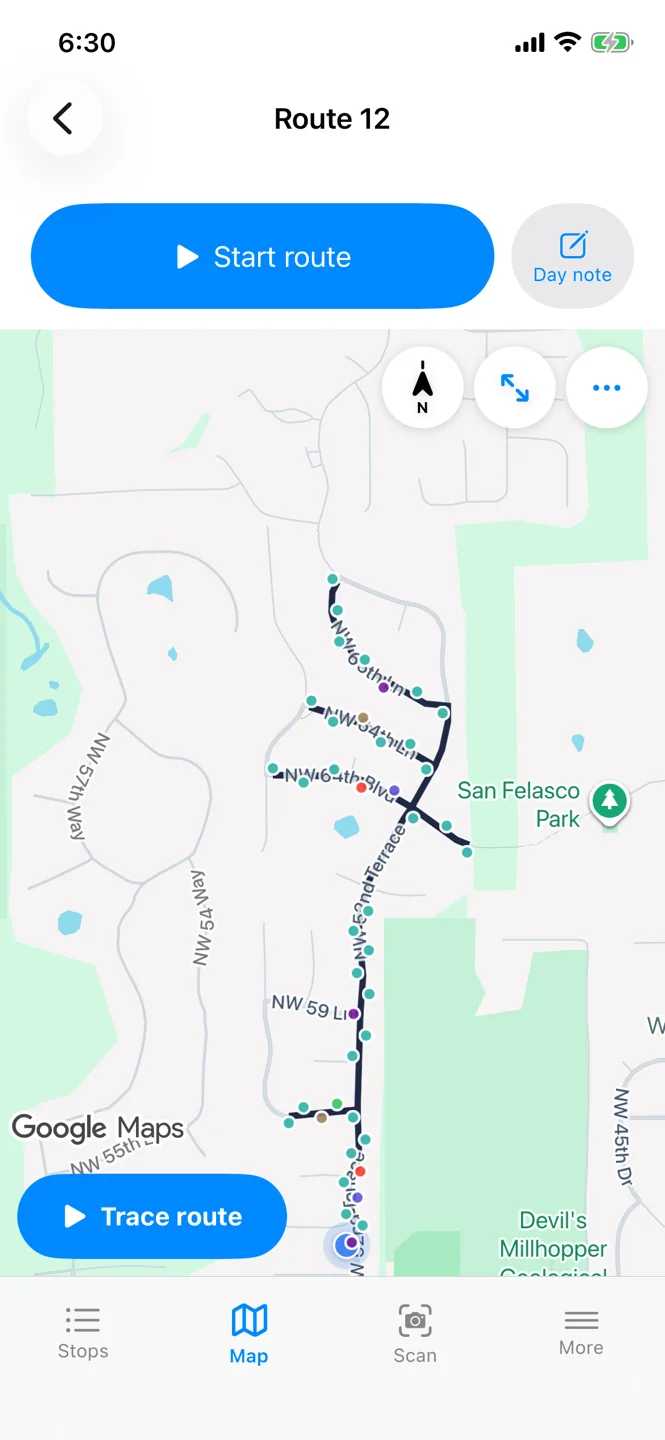
Yes. CarrierCaddy is free to download and use, with every essential route tool, no account and no ads. Plus is an optional membership with better navigation and more tools.
What Plus includes →Saved route instructions, customer names, notes and label photos stay in the app unless you choose to share or export them. Address lookups and road paths go through our service, which passes Google or the US Census Bureau only the address or position. The map itself is Google Maps and loads straight from Google, which sees the area on screen. Our service also keeps a record for your phone, your Plus status and usage counts. No ads, trackers or analytics.
Read the Privacy Policy →Yes, for the route itself. Saved stops and instructions, On Route and its spoken reminders, and label reading all run on the phone. Address lookups, the road path and the map need a connection.
Android 8.0 or later, and iPhone with iOS 17.6 or later. Both versions share the core route workflow, and routes and encrypted backups move between them. Some tools, history fields and photo formats differ; the guide explains those limits.
No. CarrierCaddy is offered only in the United States.
Free for Android and iPhone, with no account to make.